X
wikiHow is a “wiki,” similar to Wikipedia, which means that many of our articles are co-written by multiple authors. To create this article, volunteer authors worked to edit and improve it over time.
This article has been viewed 39,014 times.
Learn more...
Are you having a really good game in Flight Simulator, but now something else requires your attention? You'll probably need to save the mission if you really would like to continue with your game/mission later. This article will explain to you how to save that game so you can fly it later.
Steps
Method 1
Method 1 of 2:Plane Up in the Air
Method 1
-
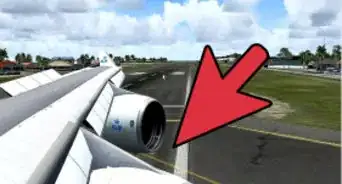
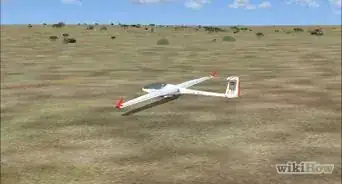
1Fly the plane until the point you'd like to Save the flight.
-
2Press ; while in the air [1] .This saving method will pause the game.
-
3Stop the flight and exit out to the Dashboard of Flight Simulator.


Method 2
Method 2 of 2:Upon Creation
Method 2


Warnings
- Earlier versions before Microsoft Flight Simulator X did not have a "Save" command. Therefore, if you have an earlier version, these steps won't pertain to you.Thanks!
- You can't save a training mission flight. This is only for mission flights.Thanks!