X
wikiHow is a “wiki,” similar to Wikipedia, which means that many of our articles are co-written by multiple authors. To create this article, 29 people, some anonymous, worked to edit and improve it over time.
This article has been viewed 90,780 times.
Learn more...
Iframes are a feature in HTML that lets you embed other websites inside yours. It is frequently used for embedding media files. This article will show you how to resize an iframe.
Steps
-
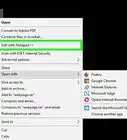
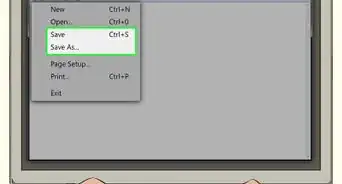
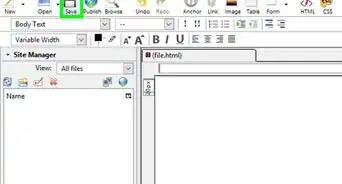
1Open up your HTML file with a text editor, such as Notepad or TextEdit.
-
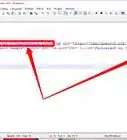
2Check to make sure the iframe is in this format:<iframe src="https://www.wikihow.com/" width="0" height="0"></iframe>Advertisement
-
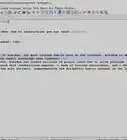
3Edit the width attribute by replacing the width="0".
-
4Edit the height attribute by replacing the height="0".
-
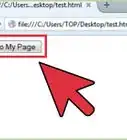
5Render the HTML. Check the size. If it is too small, make it bigger. If it is too big, make it smaller.
- If you need your iFrame to scroll, add "scroll=true after height="xx"" without extra quotation marks before the closing >.
Advertisement


Community Q&A
-
QuestionWhat is HTML coding for books?
 James ParadoxCommunity AnswerYou can't code books. HTML is a programming language designed to be used on computers.
 -
QuestionHow do I enlarge the window where I have embedded a Google doc into my website?
 Community AnswerYou can do this by giving it padding and margin (if you are using elementor*). And if you are using any other service, like Classic Editor, then you can use a separator.
Warnings
- Be careful! This could make visitors' computers slow.Thanks!
Advertisement




About This Article
Advertisement