X
This article was co-authored by wikiHow Staff. Our trained team of editors and researchers validate articles for accuracy and comprehensiveness. wikiHow's Content Management Team carefully monitors the work from our editorial staff to ensure that each article is backed by trusted research and meets our high quality standards.
This article has been viewed 52,932 times.
Learn more...
This wikiHow teaches you how to change the size of an animated GIF file to optimize it for sharing, to add it to a video, or for other purposes.
Steps
-
1Go to the ezgif website. Do so by clicking on the link or typing "www.ezgif.com" in your Web browser.
-
2Click on GIF Resizer. It's near the top of the webpage in the left-center of the toolbar.[1]
-
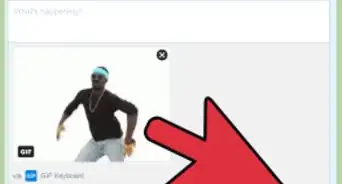
3Choose a GIF. You can either enter the GIF's URL in the "paste image URL:" field or click on Browse button to upload a GIF from your computer.[2]
-
4Click on Upload!. [3] It's the blue button in the "Animated GIF resizer" section of the webpage.
-
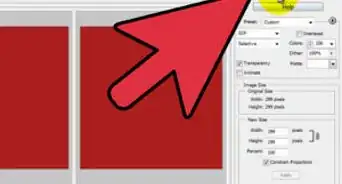
5Enter a new size for your GIF. In the fields below your uploaded image, you can either:
- Enter a width and height in the "New width:" and "New height:" fields (the current width and height are displayed immediately beneath the image); or
- Enter a percentage by which to increase or reduce the size of the GIF.
-
6Click on Resize Image!. It's the blue button below the "new size" fields. [4]
- The resized image will appear below the Resize it! button in the "Resized image:" section of the webpage.
-
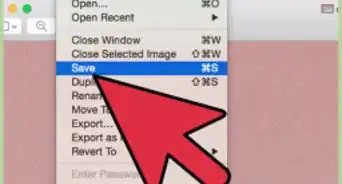
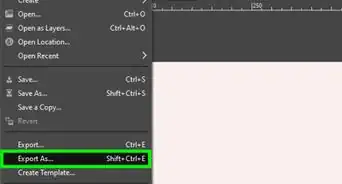
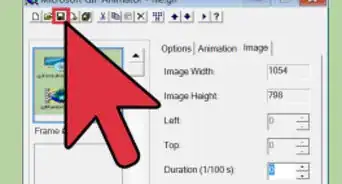
7Click on Save icon.[5] It's on the right side of the toolbar below the resized image.
-
8Depending on your browser, if asked, choose to click "Save:" field at the top of the dialog box.[6]
-
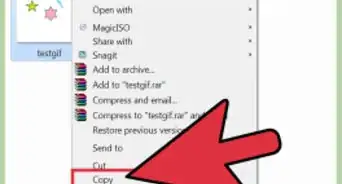
9New resized image will be downloaded and saved to default downloads location on your computer.
-
10Browse to the default download location and find the new resized image. The resized GIF is now available for use on your computer.





Reference
About This Article

wikiHow Staff
wikiHow Staff Writer
This article was co-authored by wikiHow Staff. Our trained team of editors and researchers validate articles for accuracy and comprehensiveness. wikiHow's Content Management Team carefully monitors the work from our editorial staff to ensure that each article is backed by trusted research and meets our high quality standards. This article has been viewed 52,932 times.
Co-authors: 11
Updated: September 16, 2021
Views: 52,932
Categories: GIF