X
wikiHow is a “wiki,” similar to Wikipedia, which means that many of our articles are co-written by multiple authors. To create this article, volunteer authors worked to edit and improve it over time.
This article has been viewed 21,199 times.
Learn more...
If your HP 678 printer is acting up and reporting inaccurate estimated link levels, you can reset it. Start with a few quality checks to make sure the method will work, and then proceed to resetting the levels.
Steps
Part 1
Part 1 of 2:Preparing to Reset
Part 1
-
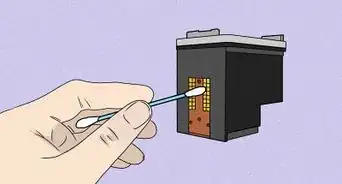
1Make sure the contacts that are located on the cartridge (bottom side) are not broken. The contacts are a very important part of the cartridge for use, and will be needed to reset the ink level. Your cartridge may vary from genuine HP 678 cartridges, or 3rd party cartridges or remanufactured cartridges. This method only works with genuine HP 678 cartridges.
- When you go to the bottom side of the cartridge, there will be many contact points. There should be 6 columns of contacts. If your cartridge does not have 6 columns of contacts, that means that you have a different HP ink cartridge.
-
2If the HP printer you are using was sold in 2012 or earlier, this will not work.


Part 2
Part 2 of 2:Resetting the Ink Level
Part 2
-
1On the 2nd contact column from the left, place adhesive tape over the top contact in that column. A column is a small copper square.
-
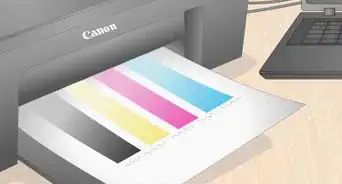
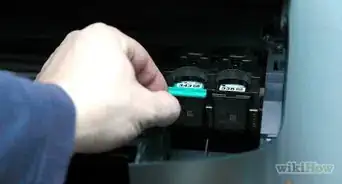
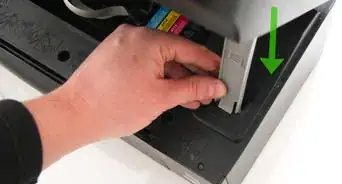
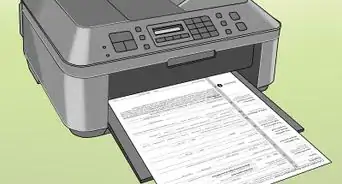
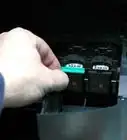
2Place the cartridge into the printer. A message may show up that there is an issue with your cartridge, but ignore that. The printer may print an alignment page. Follow the instructions of using the alignment page.
-
3Take the same cartridge out of the printer when the alignment page scan is done.
-
4Do not touch or remove the tape that was originally put on the cartridge. Now grab adhesive tape and put it over the 2nd column from the right, on the top contact. Make sure no other contacts are covered with the tape.
-
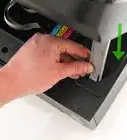
5Place the cartridge into the printer again.
-
6Take the cartridge out of the printer, and remove all adhesive tape put on the ink cartridge.
-
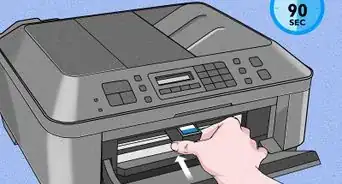
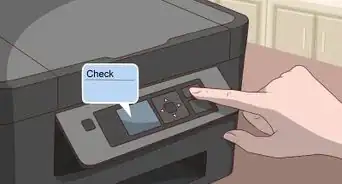
7Put the cartridge back into the printer. The printer should print out an alignment page, and the ink level for the cartridge should be full.


Community Q&A
-
QuestionHow much ink do you put in? I have 3 different colors.
 Community AnswerAll three of the color cartridges have their own slots. You need all of them to do color printing. You just snap the entire cartridge in place.
Warnings
- Always try this at your own risk!Thanks!
- HP printers that use the HP 678 ink cartridge (HP printers sold in 2012 and earlier) are not compatible with this method, because they use the embedded serial codes in the ink cartridges and keep track of their ink levels when they were last used.Thanks!