X
wikiHow is a “wiki,” similar to Wikipedia, which means that many of our articles are co-written by multiple authors. To create this article, volunteer authors worked to edit and improve it over time.
This article has been viewed 34,593 times.
Learn more...
Octane Render is an unbiased renderer, meaning it makes photo realistic images. Octane Render uses the GPU, which makes it very, very fast. It can edit images 'on-the-fly', meaning changes will be updated realtime on the rendering window.
Steps
-
1Download Octane Render, the latest release. Octane Render costs €99. You can however get the demo version that does not have an expiration date.
-
2Go to your 3D software and export an obj mesh.
-
3Open Octane Render.
-
4Right click on the bottom panel, called the graph editor.
-
5Click Add >> Objects >> Mesh. Select the obj file.
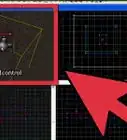
- The default controls are shown in the image. You can also select a preset for your 3D program.
-
6Create materials. Specular, diffuse color, and UV mapping are imported from the obj file. You can quickly find the material for an object by using the material picker tool. Play around with different materials.
-
7Choose an environment. The background will change the color of ambient light. You can choose an image, or a realistic simulation of outdoors, using the 'daylight' option at the top.
-
8Choose a good aperture. This is in the 'Current Camera' panel. The icons on the right side are for selecting different panels.
-
9Click on 'Current Imager' to set different camera settings.
-
10Click on 'Current Kernel' to select different settings for the technical side of the render. These settings will define the quality of the image. An important setting to keep in mind is Max Samples, which stops the render when however many samples are rendered.
-
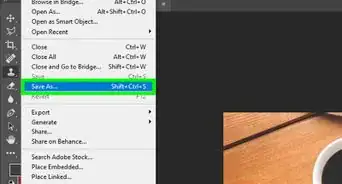
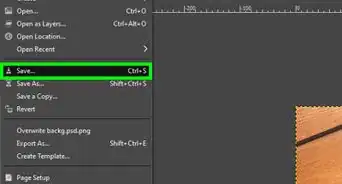
11Save the render, after waiting a while. The sample count should be above 1500 for a noise-less image.


Community Q&A
-
QuestionWhy do I get a white screen and no rendered image in octane 3?
 Community AnswerYour camera is not pointing at your object. Try a front or side render.