X
wikiHow is a “wiki,” similar to Wikipedia, which means that many of our articles are co-written by multiple authors. To create this article, volunteer authors worked to edit and improve it over time.
This article has been viewed 4,035 times.
Learn more...
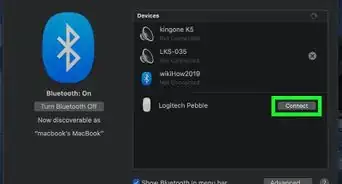
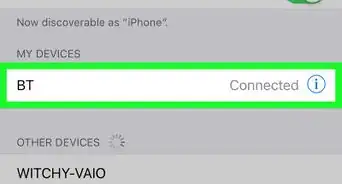
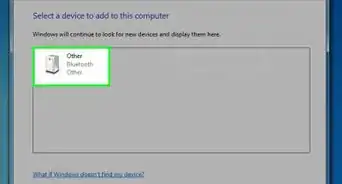
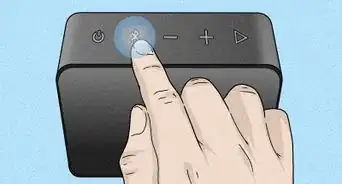
To remove a device from your Bluetooth follow the steps below. If you are unable to remove a device from your smartphone contact your provider or tech store for more possible solutions or troubleshooting questions. Be aware that when your paired to a device with Bluetooth your information isn't private.