This article was written by Darlene Antonelli, MA. Darlene Antonelli is a Technology Writer and Editor for wikiHow. Darlene has experience teaching college courses, writing technology-related articles, and working hands-on in the technology field. She earned an MA in Writing from Rowan University in 2012 and wrote her thesis on online communities and the personalities curated in such communities.
This article has been viewed 20,460 times.
Facebook Messenger allows you to send and receive SMS text messages in addition to traditional Facebook messages when you're using an Android. If you'd rather use a different app for text messages, you can disable this feature. This wikiHow will teach you how to disable SMS capabilities in Facebook Messenger using your Android.
Steps
-
1Open Messenger. This app icon looks like a white lightning bolt in a blue speech bubble that you can find on the home screen or in the app drawer.
- This feature is only available on Android phones.[1]
-
2Tap your profile icon. This is usually in the top left corner of your screen.Advertisement
-
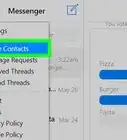
3Tap SMS. It's under the "Preferences" header.
-
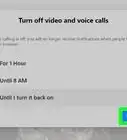
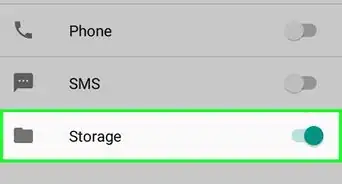
4Tap the switch to the off position . With SMS disabled, you'll have to use another application (or the default messaging application that came with your phone) to access your SMS.
- You will most likely be prompted to choose a default SMS application when you disable SMS in Messenger.
Advertisement



References
About This Article

1. Open Messenger.
2. Tap your profile icon..
3. Tap SMS.
4. Tap the switch to the off position.