X
wikiHow is a “wiki,” similar to Wikipedia, which means that many of our articles are co-written by multiple authors. To create this article, volunteer authors worked to edit and improve it over time.
The wikiHow Tech Team also followed the article's instructions and verified that they work.
This article has been viewed 16,192 times.
Learn more...
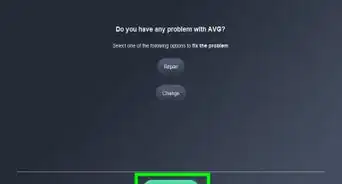
The Avast Password feature helps you to save your passwords and credit card numbers on your PC. If you want to disable this feature, this wikiHow will help.
Steps
-
1Open the Avast Antivirus app. The app's icon looks like lower-case “a” with an orange background. If you can't find the app, search for “avast antivirus” in the Start menu.
- You can also use the system tray icon to open this program.
-
2Open the Settings panel. Click on the ≡ Menu option at the top-right corner and select Settings from the drop-down menu.
-
3Navigate to the Components settings. It will be the second option in the left side panel.
-
4Scroll down to the “Privacy section”. Click on the Passwords option to expand it.
-
5Click on the Uninstall Component option. A confirmation box will appear on your screen.
-
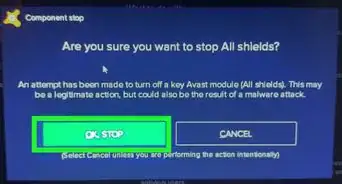
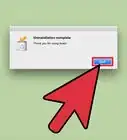
6Click on the OK button to confirm the uninstallation. You will need to restart your computer to see the changes afterward. Finished!


Warnings
- All the data you have saved in the application will be deleted along with the app. This includes your passwords and notes.Thanks!