X
This article was written by Jack Lloyd. Jack Lloyd is a Technology Writer and Editor for wikiHow. He has over two years of experience writing and editing technology-related articles. He is technology enthusiast and an English teacher.
This article has been viewed 92,297 times.
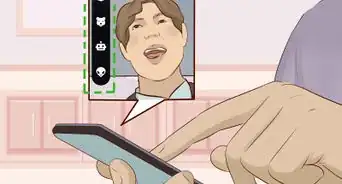
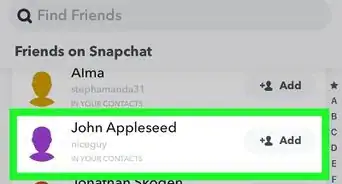
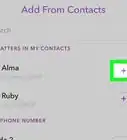
This wikiHow teaches you how to record a Snapchat video without having to hold down the Record button.