X
wikiHow is a “wiki,” similar to Wikipedia, which means that many of our articles are co-written by multiple authors. To create this article, 27 people, some anonymous, worked to edit and improve it over time.
This article has been viewed 131,740 times.
Learn more...
Judging by you viewing this, it is assumed that you want to make a let's play series. This is easy, but you may need a very nice computer.
Steps
-
1Download FRAPS video game recorder, it is the best. Click one of the mirrors to start download. Install a downloaded file.
-
2Download Audacity. This is one of the best free audio input recorders. Click one of the mirrors to start download. Install a downloaded file.Advertisement
-
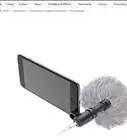
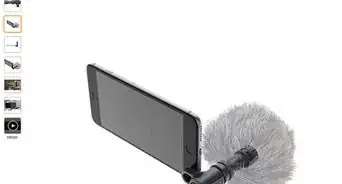
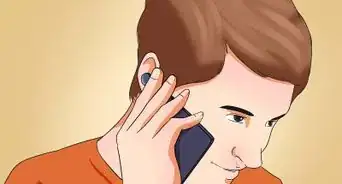
3Get a microphone and plug it in to your computer. Normally it's the pink plug.
-
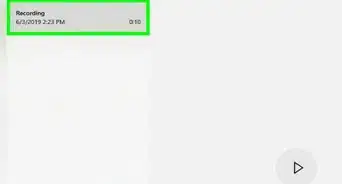
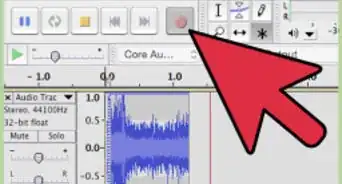
4Test it out with Audacity. When Audacity is open, click on the button near the top with the red circle. This starts recording. Say something, then click on the yellow square. This stops it. Play it back with the green triangle. If it sounds fine, then great. If not, check your settings or try a different microphone.
-
5Double click on FRAPS and click on the "Movies" tab.
- Notice where you can change the button to start recording. Normally it's F9.
-
6Start up Audacity.
-
7Start up your game. You should notice yellow numbers in the corner of the game window. This shows that FRAPS is running.
-
8Put your microphone close to your mouth and start recording in Audacity.
-
9Press the button that is set to start FRAPS recording (F9). The yellow numbers should change red. This shows that it is recording. If the numbers are very much lower than 25-30, then your video will lag. Try changing some settings in the game.
- Play your game and comment on stuff. When you're done, press the button that you pressed to start FRAPS (F9). The numbers should turn yellow again.
-
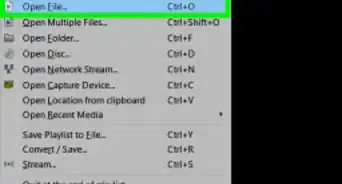
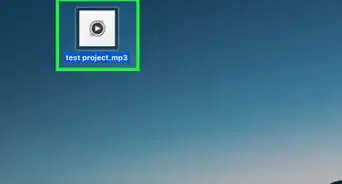
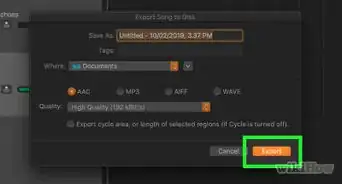
10Stop Audacity. Click File > Export... Enter File name an save it as a WAV. Edit meta data if you want and press OK.
-
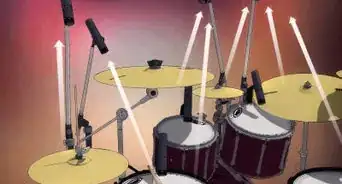
11Start up a video encoder (such as Windows Movie Maker, or Vegas Pro).
-
12Create your video.Advertisement


Community Q&A
-
QuestionHow can I record with Fraps for longer than 15 second intervals without having to keep hitting F9?
 Community AnswerThe 15 second limit is on the free trial. To record longer than 15 seconds, you will have to purchase the full version.
 -
QuestionWhat if I don't have Windows? Is there an alternative website or app? I use a Mac.
 Community AnswerI used Wonder Share Filmora. It works too. When making the video be sure to click add music and put your sound recording.
 -
QuestionCan I use another recorder for gameplay and commentary?
 Community AnswerYes, you can use other programs (free or paid) such as OBS for gameplay and commentary.
Warnings
- Don't leave long periods of video without commentary, that's too boring.Thanks!
Advertisement
Things You'll Need
- Computer
- Game
- FRAPS
- Audacity
- Microphone

About This Article
Advertisement