X
wikiHow is a “wiki,” similar to Wikipedia, which means that many of our articles are co-written by multiple authors. To create this article, volunteer authors worked to edit and improve it over time.
This article has been viewed 2,835 times.
Learn more...
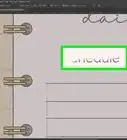
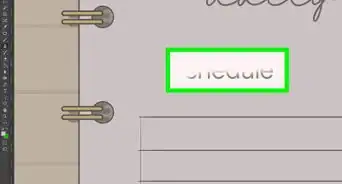
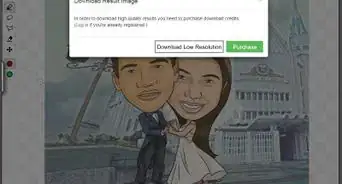
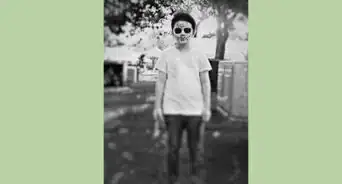
These are the sample files you'll manipulate throughout wikiHow's Photoshop Skills course. Open the image link, then right click (or control click on a PC) the image. Then choose the save image option, and save the files to the location of your choice! More information here.
Steps


.jpg)

About This Article
Advertisement