X
wikiHow is a “wiki,” similar to Wikipedia, which means that many of our articles are co-written by multiple authors. To create this article, volunteer authors worked to edit and improve it over time.
This article has been viewed 14,648 times.
Learn more...
Resident Evil 6 is the 6th game in the famous franchise developed and published by Capcom. Pausing is not really possible in an online game, where players are able to drop in and out of your game session for a multiplayer experience. For pausing to work in Resident Evil 6, you must start a game in Offline mode by doing a simple process.
Steps
Part 1
Part 1 of 3:Getting Started
Part 1
-
1Launch the game.
- For PC: Double-click on the Resident Evil 6 icon, which is the “6” you see in the game cover. This should take you to the welcome screen of the game.
- For PS3 and Xbox 360: Launch the game by inserting the game disc in your console, and opening it from the Game menu in your respective console’s dashboard.
-
2Press the indicated button shown on the Welcome screen. This should take you to the Main Menu.
-
3Enter the Game Mode Selection screen. Select “Play Game” and you’ll be taken to the game mode selection screen. Here, you can choose between Solo or Co-op. You should then be taken to Campaign Select.


Part 2
Part 2 of 3:Playing Offline
Part 2
-
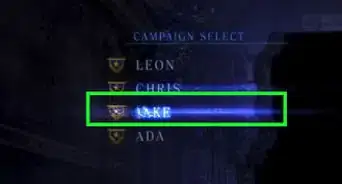
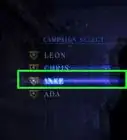
1Select a character. In the Campaign Select, choose between the character stories you can play through. Once you select a character, the game will then let you choose some options.
-
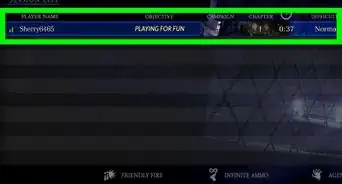
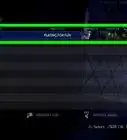
2Go offline. Under “Network Options,” you can press the Dpad to the right to change the network to Offline.
-
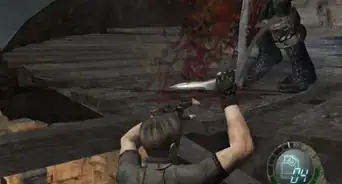
3Start the game. Do this by heading to the bottom and selecting “Start Game.” The game will then load to the first checkpoint available to you.


Part 3
Part 3 of 3:Pausing the Game
Part 3