This article was written by Nicole Levine, MFA. Nicole Levine is a Technology Writer and Editor for wikiHow. She has more than 20 years of experience creating technical documentation and leading support teams at major web hosting and software companies. Nicole also holds an MFA in Creative Writing from Portland State University and teaches composition, fiction-writing, and zine-making at various institutions.
This article has been viewed 6,060 times.
This wikiHow teaches you how to open a DGN (*.dgn) file in Windows or macOS by converting it to a PDF.
Steps
-
1Go to https://mygeodata.cloud/converter/dgn-to-pdf in a web browser. MyGeodata Converter is a free online tool that will convert a DGN to a PDF, a format supported by more apps.
-
2Click Or browse files to convert. It’s the blue button on the left side of the page.Advertisement
-
3Click Add Files. It’s the green button near the top-left corner of the window. This opens your computer’s file browser.
-
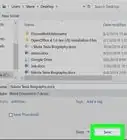
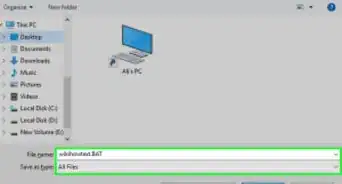
4Browse to the folder that contains the DGN file. It usually ends with “.dgn.”
-
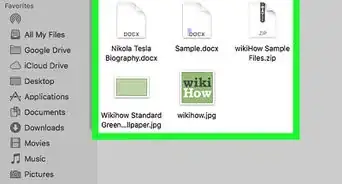
5Select the DGN file and click Open.
-
6Click Continue.
-
7Click Convert Now. It’s the green button near the bottom-right corner of the page. The file will be converted to a PDF file. Once the conversion is complete, you’ll see the “Conversion Result” screen.
-
8Click Download. It’s the green button at the bottom-center part of the screen. Depending on your settings, this action will either display the PDF in your web browser or download it to a folder.
- If the PDF downloads, double-click it in the Downloads folder to open it in your default PDF viewer (usually Preview for macOS, Edge for Windows, or Adobe Reader for any operating system).
Advertisement



About This Article

1. Go to https://mygeodata.cloud/converter/dgn-to-pdf in a web browser.
2. Click Or browse files to convert.
3. Click Add Files.
4. Browse to the file.
5. Select the file and click Open.
6. Click Continue.
7. Click Convert Now.
8. Click Download.