This article was written by Darlene Antonelli, MA. Darlene Antonelli is a Technology Writer and Editor for wikiHow. Darlene has experience teaching college courses, writing technology-related articles, and working hands-on in the technology field. She earned an MA in Writing from Rowan University in 2012 and wrote her thesis on online communities and the personalities curated in such communities.
This article has been viewed 18,924 times.
Docx files are generally files that Microsoft Word uses, but Google Docs can also read and edit them. This wikiHow teaches you how to open docx files on Android with either Microsoft Word or Google Docs.
Steps
Method 1
Method 1 of 2:Using Microsoft Word
-
1
-
2Tap the Open icon (an open folder). This is in the bottom menu at the bottom right. A list of locations will open, including your OneDrive and the local storage of your device.
- Tap Allow if prompted. This will allow the app to access your documents.
-
3Tap the location of your file.
-
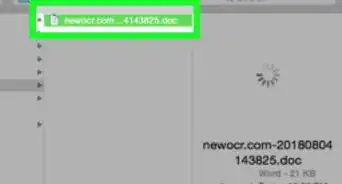
4Navigate to your file. This can be in your collective OneDrive folder or in the Downloads folder of your phone’s storage.
-
5


Method 2
Method 2 of 2:Using Google Docs
-
1
-
2
-
3Tap Device Storage. Your phone’s downloads folder will open.
-
4Navigate to your file. This can be in your collective Google Drive or in the Downloads folder of your phone’s storage.
-
5Tap the file you want to open.
- The file will open in Google Docs.
- You can edit the document by tapping the white pencil within the blue circle.


About This Article

1. Open the Microsoft Word app.
2. Tap Open.
3. Tap the location of your file.
4. Tap your file to open it.