X
wikiHow is a “wiki,” similar to Wikipedia, which means that many of our articles are co-written by multiple authors. To create this article, volunteer authors worked to edit and improve it over time.
This article has been viewed 14,505 times.
Learn more...
A good 'filing' system helps you to find your way around your images. FastStone makes it very easy.
- The method suggested in this article is just one way of doing it. Feel free to alter it to whatever works for you.
Steps
-
1
-
2
-
3
-
4
-
5
-
6
-
7
-
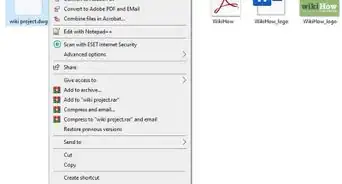
8Know how to select files. To select contiguous files (all the files are clustered together), you can hold down SHIFT and click on the first and the last image. To select non-contiguous files, hold down CTRL and click on the various images that you want to move. This screenshot shows contiguous files selected.
-
9
-
10


Community Q&A
-
QuestionCan I batch import all of my photos at once?
 Community AnswerYes, you can.