X
wikiHow is a “wiki,” similar to Wikipedia, which means that many of our articles are co-written by multiple authors. To create this article, volunteer authors worked to edit and improve it over time.
This article has been viewed 39,908 times.
Learn more...
Do you know that there are many features on the PSP that go beyond playing games? Here are some things that you can do that will entertain you well beyond the product life cycle! This advice is aimed at owners of the original PSP, PSP-2000 and PSP-3000. PSP E1000 does not connect to the internet so many of the mentioned features cannot be accessed and PS Vita is completely different from the PSP.
Steps
-
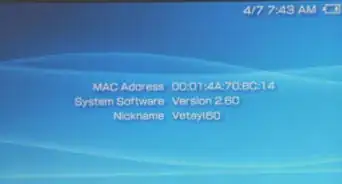
1One of the easiest ways (and the only legal one as well!) to get more out of your PSP is to download the most recent firmware. Each release usually has a useful feature, such as some explained here!
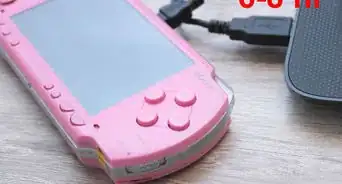
- Download the newest PSP update by going on settings and go to network update but you must have an AC adaptor. these updates are always running so you must check network update constantly.
-
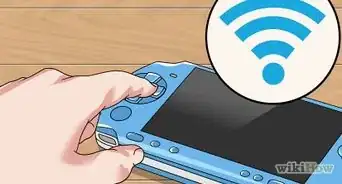
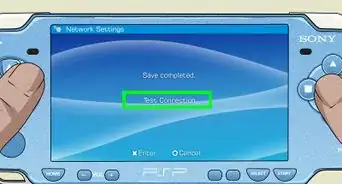
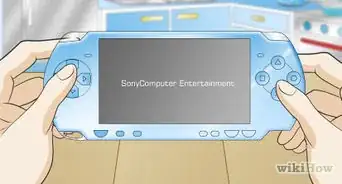
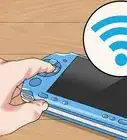
2The PSP comes with the ability to connect to the Internet via Wi-Fi. So if you have a wireless router that has an internet connection within range you can connect to the Internet with your PSP.
- All the features in the Network or the PlayStation Network sections of the menu can't be used without an active internet connection.
-
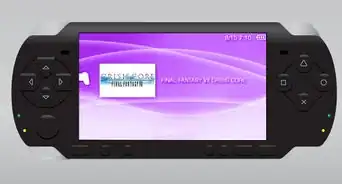
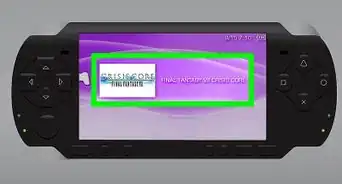
3Built-in into the PSP is an Internet Browser so you can surf websites
-
4
-
5
-
6
-
7The PSP offers tons of other features including Internet Radio and RSS Channel!
-
8Enjoy your newfound PSP abilities!


Community Q&A
-
QuestionCan I make my PSP more like a Vita?
 Sadja FatiCommunity AnswerYes, you actually can. To do this you have download a file and insert it in your PSP memory stick. Then go in your PSP game memory card on your PSP and click it and then you will see a file. Click that and then your PSP will look like a PS Vita.
Warnings
- All online safety rules apply on the PSP!Thanks!
- Custom firmware will void your warranty so download and install at your own risk.Thanks!
Things You'll Need
- PSP
- An active internet connection
- A PlayStation Network account