X
wikiHow is a “wiki,” similar to Wikipedia, which means that many of our articles are co-written by multiple authors. To create this article, volunteer authors worked to edit and improve it over time.
This article has been viewed 1,496 times.
Learn more...
Flipgrid is a website where a teacher can assign a prompt and ask students to record a video in response. If you have an assignment on Flipgrid and do not know how to get started, this wikiHow will point you in the right direction.
Steps
-
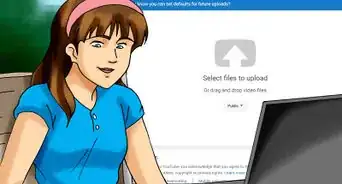
1Locate the link for the assignment. Your teacher should give you access to a link on Flipgrid where you will record and submit your assignment. Find the link and click on it to access the site.
-
2Log in if necessary. If prompted, log in with your username and password, Google, or Microsoft. Check the "Remember Me" option if you wish to not require further login attempts on your device.Advertisement
-
3Read the prompt. The teacher typically includes directions and a prompt on the assignment link so you can understand what is expected. Read through their directions and get an understanding of what to say and do in your video.
- Click the blue book button to have the immersive reader option opened.
-
4Start recording. Click the + or Record a response button to enable the recording feature. Once you're ready, start the video and record. Know that you can edit it later on, so it doesn't need to be perfect your first try. You can also add additional features including a filter, frame, emojis, text, the ability to draw on the screen, a board, photo, and GIF to your video.
-
5Edit the video. After recording your video, you are given the opportunity to edit it to make any needed changes. Trim the video and rerecord any parts if needed.
-
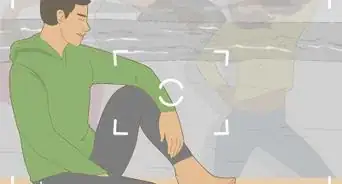
6Take a selfie. Before the video is submitted, Flipgrid asks you to take a picture of yourself to submit as the cover of the video. Use its selfie feature to do this.
-
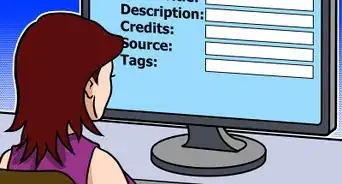
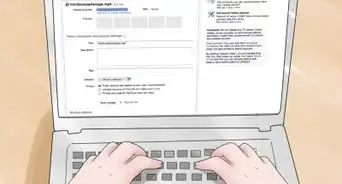
7Submit the video. Type in your name, and add any links or a description if you wish. Once you're ready, click Submit to turn in the video.Advertisement





About This Article
Advertisement