X
wikiHow is a “wiki,” similar to Wikipedia, which means that many of our articles are co-written by multiple authors. To create this article, 20 people, some anonymous, worked to edit and improve it over time.
This article has been viewed 26,769 times.
Learn more...
This is a simple way to make a maze using word processor. In this guide, the instructions are geared for Microsoft Word 2003. The guide should easily be adapted to any word processing software such as OpenOffice.org Writer, Abiword or WordPerfect, or a newer version of Microsoft Word.
Steps
-
1Launch your word processor and create a new document.
-
2Create a table. Click on the "Table" menu and select "Insert", then "Table...".Advertisement
-
3Set the number of columns and number of rows to "20" each.
-
4Choose a fixed column width of "0.2" inches and click on "Ok". Otherwise, resize the table's width to make the cells square.
-
5Highlight boxes to make a path.
-
6Merge these cells by right-clicking on the selection and choosing "Merge Cells". You'll only be able to merge cells within one column or one row at a time.
-
7
-
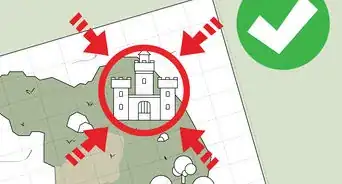
8Experiment by adding graphics or clip art. You'll soon have a great maze!
-
9Print your maze to paper and share with friends. See how quickly they can get through your maze.Advertisement


Warnings
- Save often to avoid losing your work in case of a power failure or other computer problems.Thanks!
Advertisement












About This Article
Advertisement