X
wikiHow is a “wiki,” similar to Wikipedia, which means that many of our articles are co-written by multiple authors. To create this article, 16 people, some anonymous, worked to edit and improve it over time.
This article has been viewed 110,681 times.
Learn more...
If you need to use a copyright symbol but aren't quite sure how to type it, there are a few easy answers.
Steps
Method 1
Method 1 of 2:Easy Methods
Method 1
-
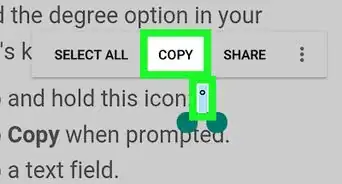
1Copy and paste this symbol, as the quickest way: ©
-
2Use the auto-replace feature, if using Microsoft Word. Just type (+C+). Word will automatically enter the copyright symbol instead.
-
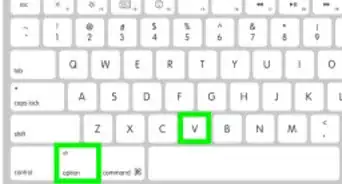
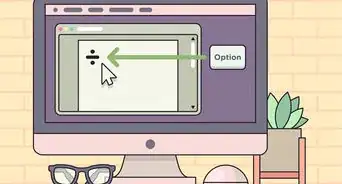
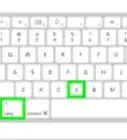
3Hold down ⌥ Option+G if using another program on a Mac.
-
4Hold the Alt key and type 0169 in your number keypad if using another program on a Windows PC. It won't necessarily work if you use the numbers at the top of your keyboard.
- If you are using a laptop that has a function key (Fn) then hold down Alt+Fn as you type the numbers.
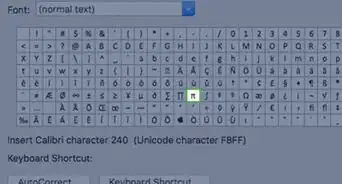
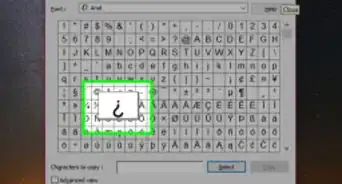
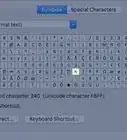
- You may need to have Numlock on for this to work. If none of these options work, try the Character Map method (below).


Method 2
Method 2 of 2:Using the Character Map (Windows)
Method 2