X
wikiHow is a “wiki,” similar to Wikipedia, which means that many of our articles are co-written by multiple authors. To create this article, volunteer authors worked to edit and improve it over time.
This article has been viewed 43,012 times.
Learn more...
Do you want to make your own line paper in the computer? Then you're at the right page. This page is going to tell you how make a lined paper in Word 2007.
Steps
-
1Click on the button which looks like a window. This is where you'll start making your lined paper.
-
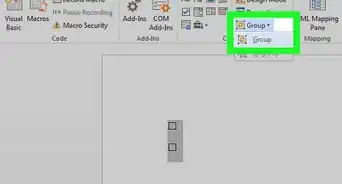
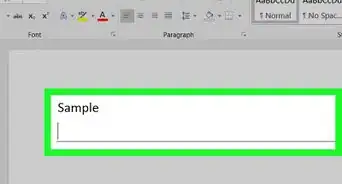
2Click on button which says all borders. When you click on it you'll see a skinny long box on your page.Advertisement
-
3Now just press the button enter on your keyboard. You'll see more of those boxes coming. Keep pressing the enter button until your page is full with those boxes.
-
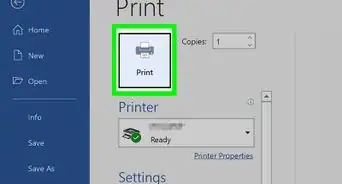
4You're finished your awesome lined paper! Now you can print your lined paper.Advertisement


Things You'll Need
- Microsoft Word 2007
- Printer (optional)



About This Article
Advertisement