X
This article was written by Darlene Antonelli, MA. Darlene Antonelli is a Technology Writer and Editor for wikiHow. Darlene has experience teaching college courses, writing technology-related articles, and working hands-on in the technology field. She earned an MA in Writing from Rowan University in 2012 and wrote her thesis on online communities and the personalities curated in such communities.
This article has been viewed 8,461 times.
This wikiHow teaches you how to sign out of your Grindr account on an Android, iPhone, or iPad. You can sign out of Grindr any time you want to take a break without having to delete your account.
Steps
-
1Open Grindr. This app icon looks like a yellow/orange mask. You can find this app on your Home screen, in the app drawer, or by searching.
-
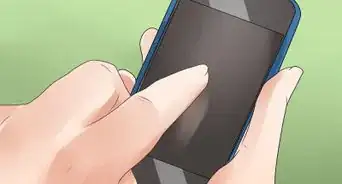
2Tap your profile picture. This will take you to your profile.Advertisement
-
3
-
4Tap Log Out. You'll find this at the bottom of the menu.[1]
- This only logs you out of Grindr, but doesn't cancel your subscription or delete your account.
Advertisement








About This Article

Darlene Antonelli, MA
Tech Specialist
This article was written by Darlene Antonelli, MA. Darlene Antonelli is a Technology Writer and Editor for wikiHow. Darlene has experience teaching college courses, writing technology-related articles, and working hands-on in the technology field. She earned an MA in Writing from Rowan University in 2012 and wrote her thesis on online communities and the personalities curated in such communities. This article has been viewed 8,461 times.
How helpful is this?
Co-authors: 2
Updated: September 23, 2019
Views: 8,461
Categories: Website Application Instructions
Article SummaryX
1. Open Grindr.
2. Tap your profile picture.
3. Tap the settings icon.
4. Tap Log Out.
Did this summary help you?
Advertisement