X
wikiHow is a “wiki,” similar to Wikipedia, which means that many of our articles are co-written by multiple authors. To create this article, 9 people, some anonymous, worked to edit and improve it over time.
This article has been viewed 77,387 times.
Learn more...
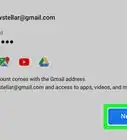
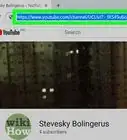
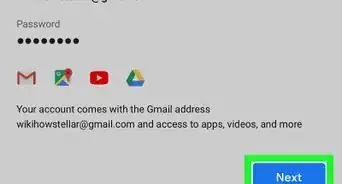
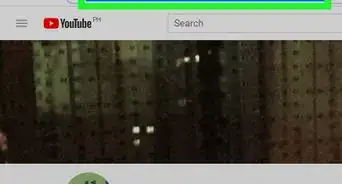
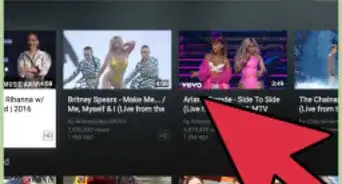
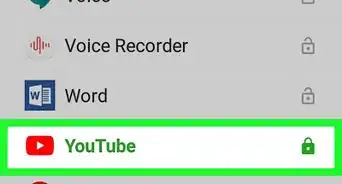
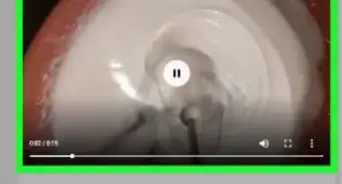
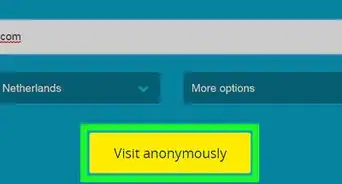
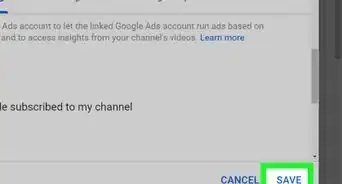
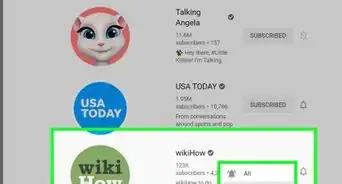
This wikiHow article will show you the simple steps to logging in to your YouTube account.
Steps


References
- https://www.youtube.com/watch?v=g2pdd9bBEPY — How to Login To YouTube Account