X
wikiHow is a “wiki,” similar to Wikipedia, which means that many of our articles are co-written by multiple authors. To create this article, 12 people, some anonymous, worked to edit and improve it over time.
This article has been viewed 80,592 times.
Learn more...
It can be really easy to get lost in the game of Minecraft. Even if you create a map and bring it with you, looking down at it while wandering through dark forests is a great way to get yourself blown to smithereens. If only there was a way to make a minimap... Oh wait––there is! By installing Rei's Minimap, you'll know where you are and be able to keep an eye on those mobs.
Steps
-
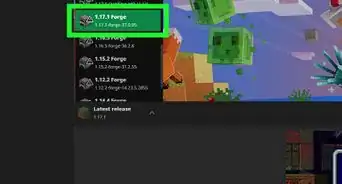
1Download and install Minecraft Forge.[1]
-
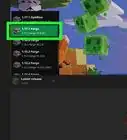
2Run Minecraft under the MCForge profile at least once.Advertisement
-
3Download Rei's Minimap.
-
4Find the zip file you downloaded.
-
5Copy the file.
-
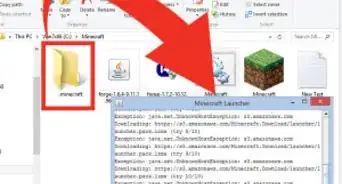
6In the address bar, type %appdata%.
-
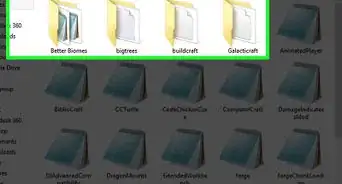
7Go into the Minecraft folder, select the Minecraft forge folder, and the mod folder.
-
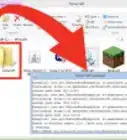
8Paste the Minimap zip file into the mods folder, without extracting.
-
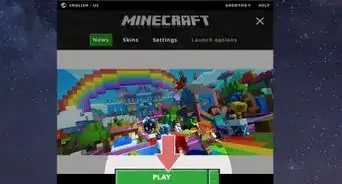
9Launch Minecraft under the MCForge profile.
-
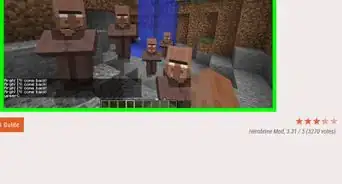
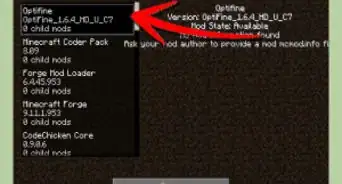
10Test out your new minimap.Advertisement


Community Q&A
-
QuestionWhat if I play on a different version of Minecraft?
 GerbilloverCommunity AnswerOn console editions, mods such as Rei's Minimap are not available. On Pocket edition, they can be installed using third-party apps.
 -
QuestionI did it till 6 but I didn't find any minecraft forge folder. What should I do?
 Monkey6Community AnswerCreate a new folder in .minecraft called mods and put the mod there.
 -
QuestionDo the entities show up on the map as well?
 Community AnswerNo, they do not. .
Things You'll Need
- A computer
- Minecraft Forge
- Minecraft Modloader (For Flan's Mods)
- Some time

-Step-12.webp)
-Step-9.webp)
References
About This Article
Advertisement