X
wikiHow is a “wiki,” similar to Wikipedia, which means that many of our articles are co-written by multiple authors. To create this article, 25 people, some anonymous, worked to edit and improve it over time.
This article has been viewed 137,973 times.
Learn more...
This wikiHow teaches you how to install The Homebrew Channel on your Wii system running Wii Menu 3.0 to 4.1. The Homebrew Channel is a homebrew application loader which allows users to load homebrew applications from an SD or SDHC card.
Steps
-
1Get an SD Card. Insert it into your computer through a built-in slot or a USB card reader. If it has a /private directory, rename it to "privateold" to avoid conflicts.
-
2Download aad1f_v108.zip and unzip the contents onto the card.Advertisement
-
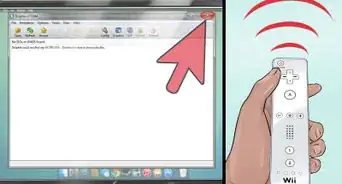
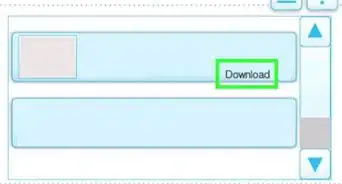
3Download the HackMii Installer from http://bootmii.org/.
-
4Open the zip file and extract installer.elf to your card. Rename it to boot.elf.
-
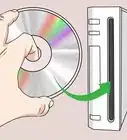
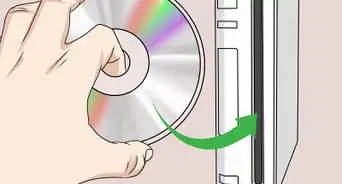
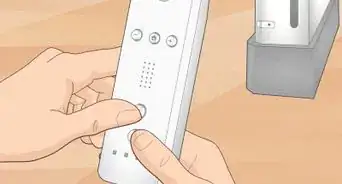
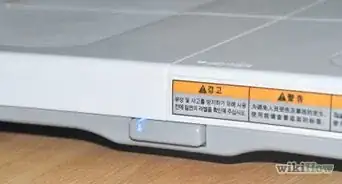
5Insert the SD or SDHC card into your Wii. Make sure the design is facing to the right to avoid getting it stuck, in which case you will need pliers.
-
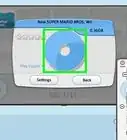
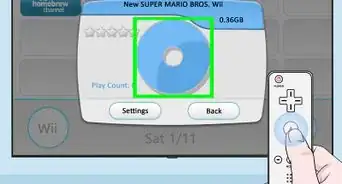
6Press (Wii), Data Management, Channels, SD. It should pop up "Load boot.dol/elf?"
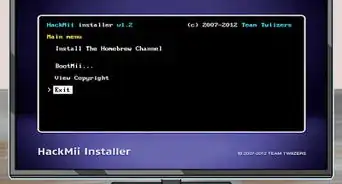
- Follow the instructions given to install the Homebrew Channel.
- If it freezes, and you followed the directions exactly, try a different version of Bannerbomb.
Advertisement
-Step-1-Version-2.jpg)
-Step-2-Version-2.jpg)
-Step-3-Version-2.jpg)
-Step-4-Version-2.jpg)
-Step-5-Version-2.jpg)
-Step-6-Version-2.jpg)
Warnings
- Doing this voids your warranty.Thanks!
- Do not install Mplayer, to play DVDs, if you have system menu version 4.2 because it won't work.Thanks!
- There is a chance that your Wii will break while following this guide. wikiHow and the creators of Bannerbomb and HackMii respectively are not responsible for any damage caused.Thanks!
- For best results, do not update your Wii through Nintendo. If you absolutely must, use the program WiiSCU to individually choose the updates you want.Thanks!
Advertisement
Things You'll Need
- An SD or SDHC card
- An SD or SDHC card reader
- Wireless internet access
- A Nintendo Wii





References
- http://bootmii.org/
- Homebrew Wiki -- Lots of useful Homebrew information including applications
About This Article
Advertisement