X
wikiHow is a “wiki,” similar to Wikipedia, which means that many of our articles are co-written by multiple authors. To create this article, 10 people, some anonymous, worked to edit and improve it over time.
Learn more...
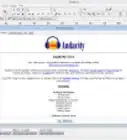
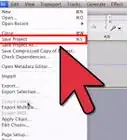
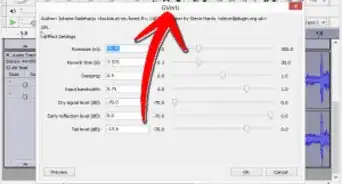
Want to import audio to Audacity? Well, you're in luck, read this and in no time, you'll know how.
Steps


Warnings
- Songs you've downloaded from iTunes will not work with Audacity.Thanks!
.webp)