X
This article was written by Jack Lloyd. Jack Lloyd is a Technology Writer and Editor for wikiHow. He has over two years of experience writing and editing technology-related articles. He is technology enthusiast and an English teacher.
This article has been viewed 11,075 times.
This wikiHow teaches you how to disable location services for your Facebook Messenger app.
Steps
Method 1
Method 1 of 2:Using an iPhone
Method 1
-
1Open your iPhone's Settings. It's the grey gear icon on the Home Screen.
-
2Scroll down and tap Messenger. Messenger is the white bolt of lightning on a blue background. You'll find it toward the bottom of the Settings page.
-
3Tap Location. It's at the top of the Messenger page.
-
4Tap Never. Your Messenger app will no longer use your location, and you won't be able to send your location to people you're messaging.


Method 2
Method 2 of 2:Using an Android
Method 2
-
1Open your Android's Settings. This is the grey gear in your App Drawer or one of your Home Screens.
-
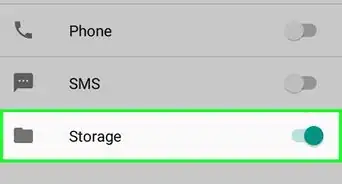
2Scroll down and tap Location. It's under the "Personal" heading.
-
3Slide the Location switch left. It will turn grey. Doing this will disable location services for all apps on your Android, which will in turn prevent Facebook Messenger from accessing and sending your location data.[1]


Warnings
- Turning off location data means you won't be able to send your location to people without re-enabling location services.Thanks!