This article was co-authored by Alex Keller. Alex Keller has been playing The Sims for over six years, and has contributed extensively to wikiHow's Sims topics. He plays The Sims 1, The Sims 2, The Sims 3, and The Sims 4 on Windows 10 and macOS.
This article has been viewed 8,284 times.
Triplets aren't in The Sims 2 by default, no matter what you've heard. However, a mod exists to allow your Sim to have triplets, or even quadruplets! This wikiHow will teach you how to have triplets in The Sims 2.
Steps
-
1Install Twojeffs' Triplets & Quads mod. Because triplets don't naturally exist in The Sims 2, you'll need a mod to have them. The most popular mod is the Triplets & Quads mod by Twojeffs.
- Go to Twojeff's Simbology mod folder on Sim File Share. It's located at https://simfileshare.net/folder/92533/.
- Click on the folder for your latest expansion pack. (If you have the Ultimate Collection, click apartment-life. If you're on a Mac and have the Super Collection, click bon-voyage.)
- Find and click on Triplets&Quads.zip. (If you want the chance of triplets to be randomized every time, click Triplets&Quads-RandomOnly.zip for the randomized version. Don't download both.)
- Click the blue Download button above "Triplets&Quads.zip".
- Unzip the file. Open File Explorer or Finder , locate the .zip file, and double-click it to open it. There will be two files - Triplets & Quads.package, and T&Q Readme.rtf.
- Open your game's Downloads folder. Access File Explorer or Finder . Click on Documents in the sidebar, open the folder titled EA Games, and then open the The Sims 2 folder. There should be a folder titled Downloads in your Sims 2 folder.
- Move the file titled Triplets & Quads.package into your game's Downloads folder.
- Start up your game. Enable mods by clicking "Enable custom content", click OK, and then restart your game.
Playing the Super Collection on a Mac? Open Finder, click on "Go" in the toolbar at the top of your screen, hold down Option, and click on "Library". From there, your game directory will be in Containers > com.aspyr.sims2.appstore > Data > Library > Application Support > Aspyr > The Sims 2.
-
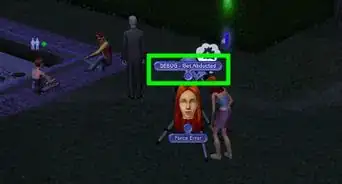
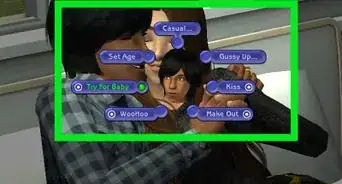
2Make a Sim get pregnant. Once you've installed the mod, have a Sim get pregnant as usual - get two Sims, find a place for them to Try For Baby, and have them do so (or get a male Sim pregnant by aliens, if you choose). If your Sim gets pregnant via Try For Baby, you'll hear a short lullaby chime play afterwards.
- Make sure the household has enough room for three more Sims (or that you have a mod that allows more than eight Sims per household).
-
3Wait for the Sim to go into labor. After three game days, the camera will focus on the pregnant Sim as they go into labor, like with a normal birth. If you have the non-random version of the mod, you'll get a dialogue box immediately after your Sim goes into labor.
- If you have the Randomized version of the mod, your Sim will continue to give birth as normal, and you won't be able to ensure you have triplets.
-
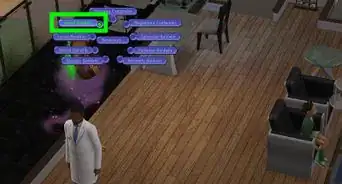
4Select the "Pick" option. After your Sim has completed the "going into labor" animation, the game will ask if you want to have a random number of babies, if you want to pick the number, or if you want the original number of babies the Sim was carrying. Select Pick to ensure you have triplets.
-
5Don't have quadruplets. If you picked the version of the mod that lets you choose the number of babies born, you'll first get a dialogue box asking if you want to have quadruplets. Click No to proceed to the next dialogue box.
-
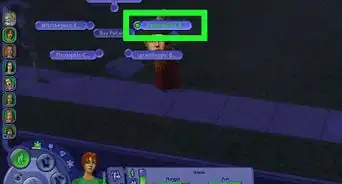
6Choose the Triplets option. After you've declined to have quadruplets, the game will ask you if you want to have a single baby, twins, or triplets. Click on Triplets, and your Sim will start giving birth.
- The game will tell you that there are two new babies on the way. This is normal; your Sim is still going to have triplets.
-
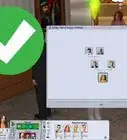
7Name the first two babies. Once your Sim has given birth to all three babies, you'll get the popup to name two babies, as though your Sim had twins. Name the first two babies and then click the checkmark.
-
8Name the third baby. The third baby can be named once you've named the first two. Name the third baby, click the checkmark, and start managing your triplets!