X
wikiHow is a “wiki,” similar to Wikipedia, which means that many of our articles are co-written by multiple authors. To create this article, volunteer authors worked to edit and improve it over time.
This article has been viewed 6,664 times.
Learn more...
An IP address (Internet Protocol address) is used to identify digital devices on the Internet. Do you want to find out your IP address? Google can help you! Google uses your IP address to find your location and give you search results based on your location.
Steps
-
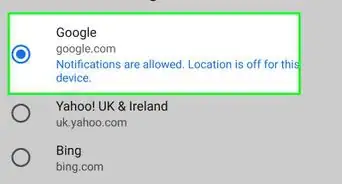
1Go to Google Search. Open www.google.com in your browser.
-
2Search for your IP address. Type "My IP" on the search bar. Press enter.
- You can also search for "what is my IP" on Google.
Advertisement -
3Done. Now you can see your IP address on the search results.Advertisement


-Step-23-Version-2.webp)





About This Article
Advertisement
-Step-23-Version-2.webp)