X
wikiHow is a “wiki,” similar to Wikipedia, which means that many of our articles are co-written by multiple authors. To create this article, volunteer authors worked to edit and improve it over time.
This article has been viewed 23,953 times.
Learn more...
You can reuse any Creative Commons licensed videos on YouTube. This wikiHow will help you to find them!
Steps
-
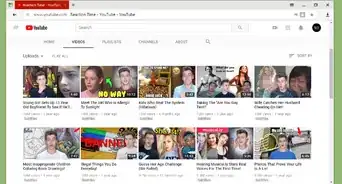
1Go to YouTube. Launch your web browser and type www.youtube.com in the address bar. Hit the Enter button. Log-in is not required here.
-
2Search for a video. Navigate to the search bar at the top of the page and search for a topic.
-
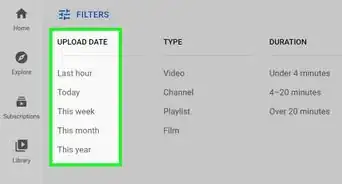
3Click on FILTER. You can find it on the top right side of the page.
-
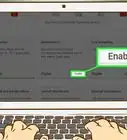
4Select Creative Commons. Click on Creative Commons under the FEATURES heading.
-
5Review the results. Now you will see only Creative Commons licensed videos on the search results page.