X
wikiHow is a “wiki,” similar to Wikipedia, which means that many of our articles are co-written by multiple authors. To create this article, volunteer authors worked to edit and improve it over time.
This article has been viewed 59,407 times.
Learn more...
This is a short guide about how to enable Steam Beta.
Steps
-
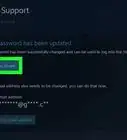
1Open your Steam
-
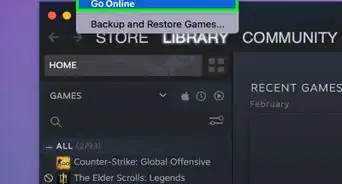
2Click on "Steam" button on the left corner of your Steam client.Advertisement
-
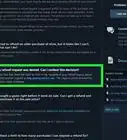
3Find the item labeled "Beta participation", and a button "Change". Click on it.
-
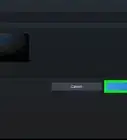
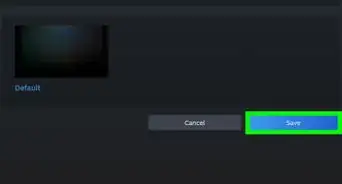
4Change the "Beta participation" to "Steam Beta Update".
-
5Click on "Restart Steam" and you'll be good to go!Advertisement


Warnings
- Before using Steam Beta, make sure you have a reasonable amount of disc space because there are many updates in the beta releases.Thanks!
- If you use a Steam skin, you may see some visual glitches.Thanks!
Advertisement


About This Article
Advertisement