X
wikiHow is a “wiki,” similar to Wikipedia, which means that many of our articles are co-written by multiple authors. To create this article, volunteer authors worked to edit and improve it over time.
This article has been viewed 47,870 times.
Learn more...
Inspect Element is a characteristic in a browser that allows a user to implement different tasks on a website's URL. These can include alteration of the website, website monitoring, permitting experimental browser tools to work, etc. Inspect Element (or Developer Tools) is an advanced browser feature, and should be used with caution.
Steps
Method 1
Method 1 of 2:Enabling from Secret Settings
Method 1
-
1
-
2Access Microsoft Edge's secret settings. Secret settings (or flags) can be viewed in Microsoft Edge by entering about:flags in the browser's search bar.
-
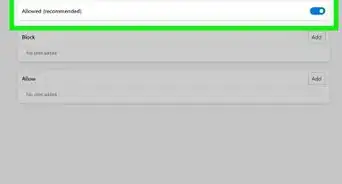
3Enable View mode and Inspect Element. By clicking the first box, "Show View source and Inspect Element in context menu", there will now be extra available options, if the right mouse button is clicked anywhere in a website. Changes don't have to be saved.


Method 2
Method 2 of 2:Using a Shortcut
Method 2