X
wikiHow is a “wiki,” similar to Wikipedia, which means that many of our articles are co-written by multiple authors. To create this article, volunteer authors worked to edit and improve it over time.
The wikiHow Tech Team also followed the article's instructions and verified that they work.
This article has been viewed 1,234 times.
Learn more...
Clipboard history is a feature in Windows 10 that allows you to view everything that you have copied and pasted since your PC was last turned on.[1] But, you need to enable it before you can use it. To enable clipboard history, simply follow the instructions in the wikiHow article.
Steps
Method 1
Method 1 of 2:Through the Clipboard History Window
Method 1
-
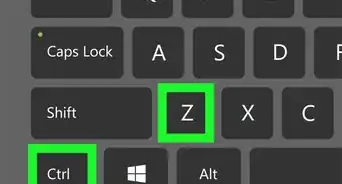
1Press ⊞ Win+v. This will open the clipboard history window.
-
2Click Turn on. This will enable clipboard history.[2]


Method 2
Method 2 of 2:Through Settings
Method 2


Warnings
- If you copy sensitive things to your clipboard, keep in mind that this will save them.Thanks!

-Step-17.webp)