Explore this Article
X
wikiHow is a “wiki,” similar to Wikipedia, which means that many of our articles are co-written by multiple authors. To create this article, volunteer authors worked to edit and improve it over time.
This article has been viewed 34,278 times.
Learn more...
Steps


Warnings
- Don't try to remove the flash disk before emptying the trash. OSX can have some hiccups with this if you do, and you may have to restart.Thanks!
Advertisement
You Might Also Like
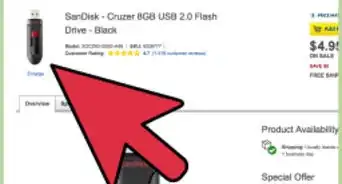
How to
Add Files to a Memory Stick
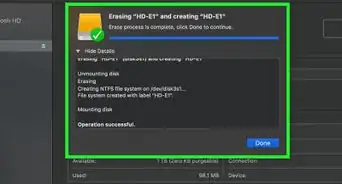
How to
Add an External Hard Drive to Your Computer
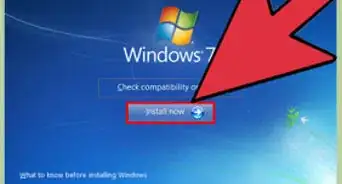
How to
Create a Bootable Windows 7 or Vista USB Drive
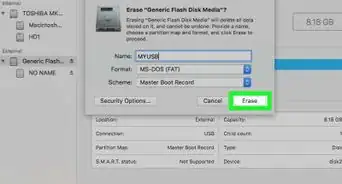
How to
Fix an Unrecognized USB Disk
How to
Put Music on a Flash Drive
How to
Make a USB Bootable
How to
Remove Write Protection on an SD Card
How to
Repair a USB Flash Drive
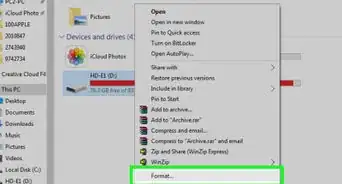
How to
Save Files to a USB Flash Drive
How to
Use a USB Flash Drive
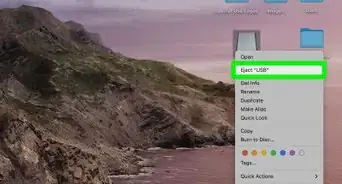
How to
Copy Documents to a USB Flash Drive from Your Computer
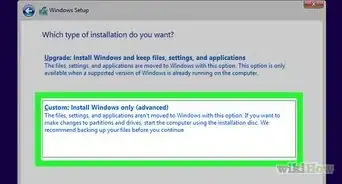
How to
Boot from an External Hard Drive
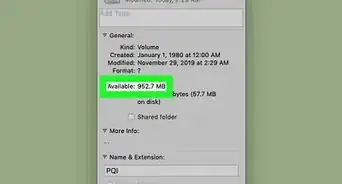
How to
Check the Remaining Memory on a USB Flash Drive
How to
Format an External Hard Drive
Advertisement
About This Article
wikiHow is a “wiki,” similar to Wikipedia, which means that many of our articles are co-written by multiple authors. To create this article, volunteer authors worked to edit and improve it over time. This article has been viewed 34,278 times.
How helpful is this?
Co-authors: 8
Updated: December 20, 2021
Views: 34,278
Categories: External Storage Devices
Advertisement