X
This article was written by Darlene Antonelli, MA. Darlene Antonelli is a Technology Writer and Editor for wikiHow. Darlene has experience teaching college courses, writing technology-related articles, and working hands-on in the technology field. She earned an MA in Writing from Rowan University in 2012 and wrote her thesis on online communities and the personalities curated in such communities.
This article has been viewed 2,968 times.
This wikiHow teaches you how to download notes from iCloud on Android. Since Android and iCloud aren’t compatible, you’ll need to download a third-party app to sync your notes.
Steps
-
1
-
2Search for Notepad. The search bar is located at the top of your screen.
- Since Android and iCloud aren’t compatible, you’ll need to download a third-party app to sync your notes.
- Make sure you're downloading the Notebook app by "Zoho Corporation".
-
3Tap the green Install button. This will download and install the Notepad app.
-
4Open the Notepad app. You can find this app either on your homepage or app drawer.
-
5Tap the man image in the upper right-hand corner.
-
6Tap the + icon in the upper right-hand corner. This will prompt you to add an iCloud account.
-
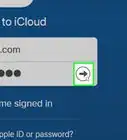
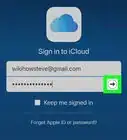
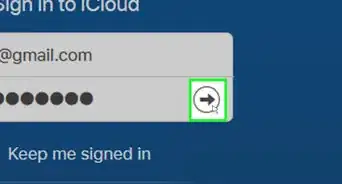
7Type in your iCloud login information. This will be your iCloud email address/Apple ID and password.
-
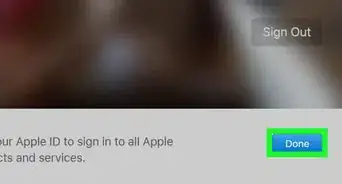
8Tap Done. After doing this, all your iCloud notes will appear.
-
9




About This Article

Darlene Antonelli, MA
Tech Specialist
This article was written by Darlene Antonelli, MA. Darlene Antonelli is a Technology Writer and Editor for wikiHow. Darlene has experience teaching college courses, writing technology-related articles, and working hands-on in the technology field. She earned an MA in Writing from Rowan University in 2012 and wrote her thesis on online communities and the personalities curated in such communities. This article has been viewed 2,968 times.
How helpful is this?
Co-authors: 2
Updated: May 27, 2019
Views: 2,968
Categories: ICloud