X
wikiHow is a “wiki,” similar to Wikipedia, which means that many of our articles are co-written by multiple authors. To create this article, volunteer authors worked to edit and improve it over time.
This article has been viewed 2,879 times.
Learn more...
If you try to download an app that is more than 200MB using a mobile network or cellular data, you may get a notification that it is not possible. This wikiHow will show you how you can avoid this issue and download large apps using mobile data.
Steps
Method 1
Method 1 of 2:iOS 13
Method 1


Method 2
Method 2 of 2:iOS 12 and Older
Method 2
-
1
-
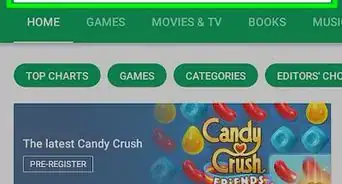
2Download the desired app from the App Store. You will get a notification about the 200MB restriction. Click OK.
-
3Go to Settings > General.
-
4Open Date &Time settings.
-
5Disable the option Set Automatically.
-
6Set a new date almost a year forward.
-
7Find the app you tried to download and tap it to start downloading.Advertisement




About This Article
Advertisement