X
This article was written by Jack Lloyd. Jack Lloyd is a Technology Writer and Editor for wikiHow. He has over two years of experience writing and editing technology-related articles. He is technology enthusiast and an English teacher.
The wikiHow Tech Team also followed the article's instructions and verified that they work.
This article has been viewed 28,956 times.
In order to double-space your text in a Microsoft Word document, you'll first need to select some (or all) of your writing. After doing so, you can easily double-space your text from either the right-click menu or the Home tab of MS Word's toolbar.
Steps
Method 1
Method 1 of 2:Using the Right-Click Menu
Method 1
-
1Double-click an existing Microsoft Word document to open it.
-
2Highlight the text you wish to double-space. To do this, click and drag your mouse cursor over the text, releasing the button when you've highlighted your preferred amount.
- To select all text in a document, hold down the Ctrl key and tap A.
-
3Right-click the selected text.
-
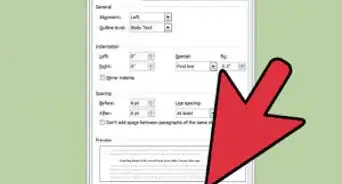
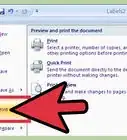
4Click "Paragraph".
-
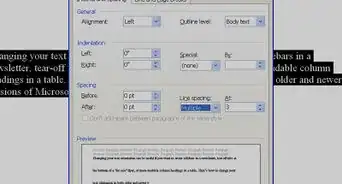
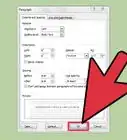
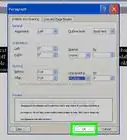
5Click the box below "Line Spacing". Depending on your current spacing standards, this box may say "Multiple" or "Single".
-
6Click "Double" in the drop-down menu.
-
7Click "OK". Your changes should take place immediately.


Method 2
Method 2 of 2:Using the Microsoft Word Toolbar
Method 2
-
1Open your Microsoft Word Document. Your document should load with the "Home" tab, which displays most of the basic text property settings, open by default.
-
2Highlight the text you wish to double-space. You'll need to click and drag your mouse cursor over the text, releasing the button only when you've highlighted your preferred section.
- To select all text in a document, hold down the Ctrl key and tap A.
-
3Click the "Line and Paragraph Spacing" button. This is the button with a vertical arrow pointing both up and down; you can find it in the "Paragraph" section of the Home tab.[1]
-
4Click "2.0". Your highlighted text should now be double-spaced!


Warnings
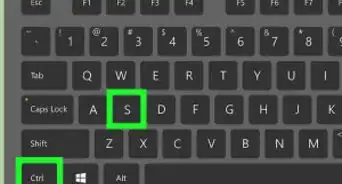
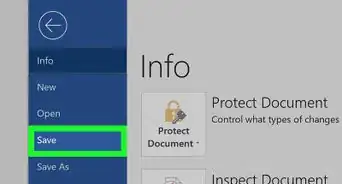
- Make sure you save your work before exiting Word!Thanks!