X
wikiHow is a “wiki,” similar to Wikipedia, which means that many of our articles are co-written by multiple authors. To create this article, 12 people, some anonymous, worked to edit and improve it over time.
The wikiHow Tech Team also followed the article's instructions and verified that they work.
This article has been viewed 22,082 times.
Learn more...
Many of us deal with very large lists in Excel, such as large mailing lists. Excel 2007 has a built-in deduping feature, but deduping can be done in almost any spreadsheet software.
Steps
-
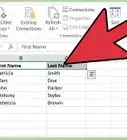
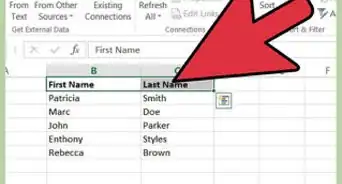
1Open the Spreadsheet that might have duplicate entries.
-
2Sorting:
- Highlight the columns and click on Sort.
- Sort the chosen column containing duplicate fields in ascending order.
Advertisement -
3Type the following formula into the first empty cell in the row =IF(A2=A1,0,1) . Be sure to modify cell references to suit your sheet.
-
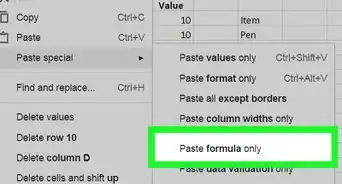
4Fill the formula down the column (or paste special).
-
5Filter out the duplicates:
- Select the column with the formulas and click filter.
- Filter the zeros
- Delete the entire row that has a '0' field, not just the data within that row. Duplicate entries will now be weeded out of your sheet.
Advertisement




About This Article
Advertisement