X
This article was co-authored by Chris Batchelor, a trusted member of wikiHow's volunteer community. Chris Batchelor is a wikiHow community member and technology enthusiast. He has experience using a range of different platforms and software, and likes to keep up with updates and new features.
This article has been viewed 15,213 times.
Learn more...
Do you have a partially closed shape in Photoshop, that you need to close, but don't know how to close this open shape? This article will help you out.
Steps
-
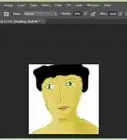
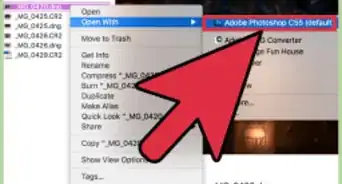
1Open your file in your Photoshop program.
-
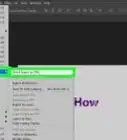
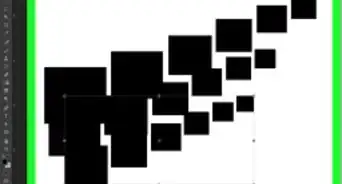
2Enable the grid in Photoshop. It can be found under the View menu under Show and under that is Grid. This will help you with creating a shape. This is not required, but it can be helpful.Advertisement
-
3Enable the Snap feature in Photoshop. Snap can help create more precise shapes that are "snapped" to exactly the same position/length that you asked it to be fixed to.
-
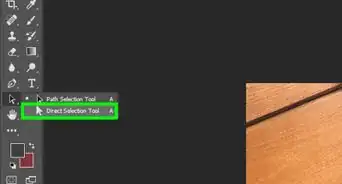
4Use the Pen tool, from the Shape Layers toolbar.
-
5Position the pointer over the first point at the edge of the shape. Single click the line segment that appears. This will indicate the end point of the one you'd like to close from there.
-
6Single click the end point where the shape will be completed to. If you need to close up a shape between two different line segments, click and locate the visual point the other line segment ends.
-
7Click (for a straight segment) or drag (for a curve) when a circle appears next to the pointer. .
-
8Release your finger from the mouse pointer, when the two parts of the drawn line connect each piece to each other.
-
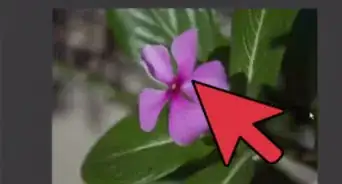
9Hover over the point where you started creating the shape. Click on it. This will complete the shape.
-
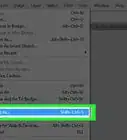
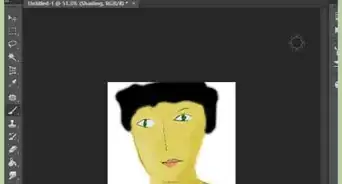
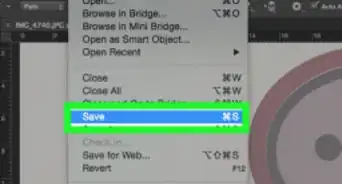
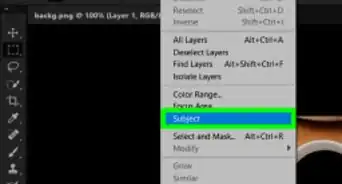
10Export into a selection and rasterize to use it with other tools.Advertisement


Things You'll Need
- Adobe Photoshop program

-Step-10.webp)

About This Article
Advertisement