X
wikiHow is a “wiki,” similar to Wikipedia, which means that many of our articles are co-written by multiple authors. To create this article, volunteer authors worked to edit and improve it over time.
This article has been viewed 11,797 times.
Learn more...
An avatar can represent you without letting people know exactly what you look like. Photoshop Elements allows you to do that very easily. Read on to learn how to do it.
Steps
-
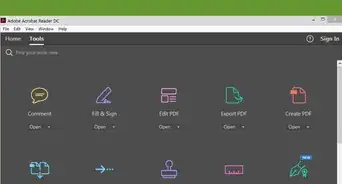
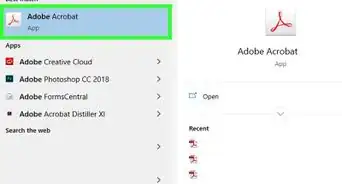
1Open Photoshop Elements.
-
2Open up your image file. Click on File >> Open...
-
3Click on Filter >> Artistic. The Filter Dialog screen will come up.
-
4Click on Cutout. Start changing the slider bars. Note the lack of features in this screenshot.
-
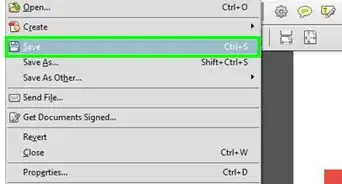
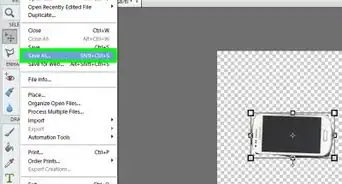
5Once complete, click on File >> Save As... This way, it won't overwrite your original file.
-
6Share your avatar.