X
wikiHow is a “wiki,” similar to Wikipedia, which means that many of our articles are co-written by multiple authors. To create this article, volunteer authors worked to edit and improve it over time.
This article has been viewed 23,235 times.
Learn more...
Counting your shutter actuations can tell you if your camera has 'been through the wringer' or if it was 'only 'driven' on Sundays'.
Steps
-
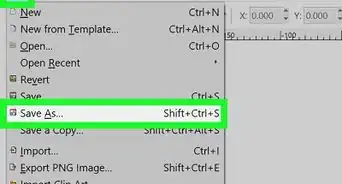
1Open up your image in IrfanView.
-
2Click on Image >> Information (or I)Advertisement
-
3Look at the image properties.
-
4Click on Exif Info. This will bring up all of the exif information saved in the camera.
-
5Scroll down to the bottom of all of the Exif data.
-
6Notice that in IrfanView it is called 'Total Pictures'.
-
7Be aware that the image may not have the data required to get the count.Advertisement








About This Article
Advertisement