X
wikiHow is a “wiki,” similar to Wikipedia, which means that many of our articles are co-written by multiple authors. To create this article, 10 people, some anonymous, worked to edit and improve it over time.
This article has been viewed 100,366 times.
Learn more...
You have a UMD but your friend does not have that? You want to play multiplayer with him but you can't? Read this article and you will be able to.
Steps
-
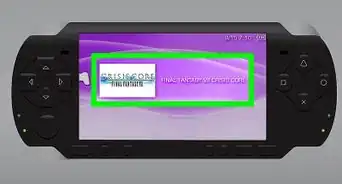
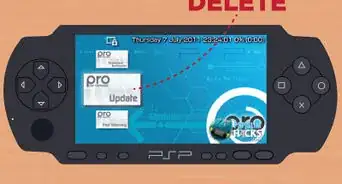
1Your PSP must have Custom Firmware (CFW)
-
2Press the SELECT button
-
3A menu titled VSH menu will appear
-
4Go to USB device and choose UMD
-
5Connect to the computer with USB cable
-
6Open your usual PSP folder in 'My Computer'. You should see a ISO file titled 'UMD9660'
-
7Copy it to the desired place. Put it in your PSP.


Community Q&A
-
QuestionDoes the PSP have to be having custom firmware?
 Community AnswerYes otherwise it won't work. if you need help finding a cfw type infinite CFW mod on your search engine.
 -
QuestionCan I change the default name after copying it to a memory stick?
 Community AnswerYes, rename it whatever you like. It doesn't matter what the file's name is, as long as it is in the proper format.
 -
QuestionCan we transfer this to a memory stick or can we play in PC?Community AnswerYou get an iso file, so you can either play it on your memory stick or you can play with an emulator on PC.
Things You'll Need
- PSP
- USB cable
- Computer
- UMD