This article was written by Nicole Levine, MFA. Nicole Levine is a Technology Writer and Editor for wikiHow. She has more than 20 years of experience creating technical documentation and leading support teams at major web hosting and software companies. Nicole also holds an MFA in Creative Writing from Portland State University and teaches composition, fiction-writing, and zine-making at various institutions.
The wikiHow Tech Team also followed the article's instructions and verified that they work.
This article has been viewed 18,829 times.
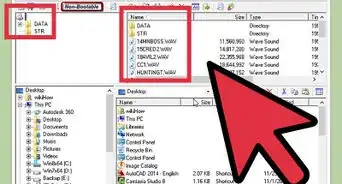
This wikiHow teaches you how to turn an XML file into a one that’s compatible with PowerPoint using an online web converter.
Steps
-
1Navigate an online file converter in a web browser. Make sure the converter is capable of converting to a PPT (PowerPoint) file. For the purpose of this method, we’ll use https://document.online-convert.com/convert-to-ppt.
-
2Click Choose File. It’s the first gray button in the center portion of the website. This opens your computer’s file browser.
- If the file is accessible by URL, you can enter the full URL to the file instead into the “Or enter the URL of the file you want to convert to PPT” box.
-
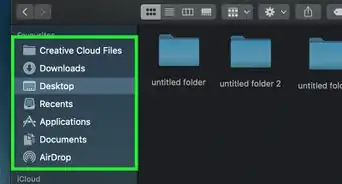
3Select the file you wish to convert. Clicking the file one time will select it.
-
4Click Open. The file is now ready to convert.
-
5Click Convert file. The XML file will now upload to the website and convert to the PPT format. Once the conversion is complete, the file will automatically download to your computer as a PowerPoint file.





About This Article

1. Go to https://document.online-convert.com/convert-to-ppt.
2. Click Choose File.
3. Select a file.
4. Click Open.
5. Click Convert file.