X
wikiHow is a “wiki,” similar to Wikipedia, which means that many of our articles are co-written by multiple authors. To create this article, volunteer authors worked to edit and improve it over time.
This article has been viewed 53,587 times.
Learn more...
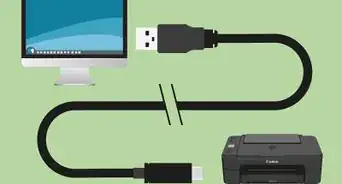
The Epson XP-400 all-in-one printer allows you to print, copy, and scan documents using a wired or wireless connection. You can connect to your Epson XP-400 using either an at-home or business wireless network, or by connecting the printer to your computer using a USB cable.
Steps
-
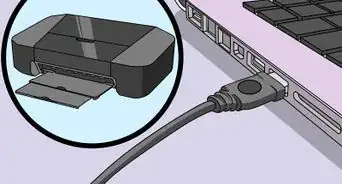
1Verify that your Epson XP-400 is not physically connected to your computer via USB cable.
-
2Insert the Epson XP-400 software disc that came with your printer into your Windows or Apple computer.
- If your computer does not have a disc drive, or you do not have the Epson software disc, go to the Epson website at http://www.epson.com/cgi-bin/Store/support/supDetail.jsp?oid=201986&infoType=Downloads to download and install the Epson XP-400 drivers.
-
3Select the option to run the “setup.exe” file. The Epson XP-400 software installation wizard will display on-screen.
-
4Click on “Install” or “Continue,” and follow the on-screen prompts to install the printer software to your computer.
-
5Select your preferred connection option. You can connect to your Epson XP-400 using either a wireless or direct USB connection.
-
6Follow the on-screen prompts to complete printer installation based on the connection method you chose. For example, enter the network name (SSID) and network password if you chose the wireless option, or attach a USB cable to your printer and computer if you chose the direct USB connection method.[1]


Community Q&A
-
QuestionHow do I scan wirelessly on my Epson XP400?
 Community AnswerThe Epson XP400, came with software that would enable you to scan. If it is on your wireless network, and it was properly installed, click Start on your computer, then find Epson, then Epson Scan Utility. If it is not on your wireless network, use the CD that came with it to assist with the wireless configuration.
 -
QuestionAfter going through all the steps, no printers pop up on my add printer window. What can I do?
 Community AnswerFind the driver from the Epson website and download it. The printer should then pop up on your add printer window.
 -
QuestionWhy does my printer say enter correct value?
 Community AnswerThere are many reasons it may say that. Take it to a PC shop for diagnosis and help.