This article was written by Darlene Antonelli, MA. Darlene Antonelli is a Technology Writer and Editor for wikiHow. Darlene has experience teaching college courses, writing technology-related articles, and working hands-on in the technology field. She earned an MA in Writing from Rowan University in 2012 and wrote her thesis on online communities and the personalities curated in such communities.
This article has been viewed 2,813 times.
This wikiHow will teach you how to connect a controller like the DUALSHOCK 4® and an Xbox Wireless Controller to your iPhone. Before you get started, make sure you're using a controller that is compatible with your iPhone.
Steps
-
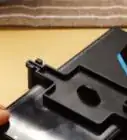
1Put your controller in pairing mode. If you don't have access to your owner's manual, you can find instructions on how to do this by performing a quick internet search.
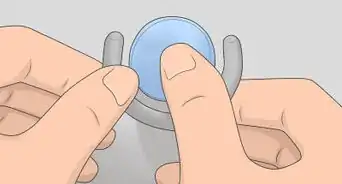
- If you're using an Xbox Wireless Controller, press the Xbox button to turn it on, then press and hold the Connect button for a few seconds.
- If you're using a DUALSHOCK 4® Wireless Controller, press and hold the PS and Share buttons at the same time until the light bar flashes.
-
2Open your iPhone's Settings . You'll find this grey gear app icon on one of your Home screens or in a folder.Advertisement
-
3Tap Bluetooth. The Bluetooth menu will open.
-
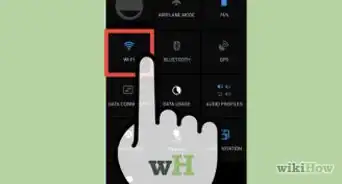
4Slide the switch to the On position . If the switch is grey (not green), then Bluetooth is off and you'll need to tap the switch to turn on your Bluetooth. You'll see a list of devices that you can connect to under "Other Devices."[1]
-
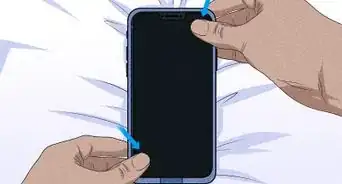
5Tap the name of your controller. Follow any on-screen instructions to continue the pairing process.
- If you're using a DUALSHOCK 4® controller that will pair with your phone, then give you a "Connection Unsuccessful" notification, you need to press the PS button in the middle of the controller and wait for it to re-connect. [2]
Advertisement







References
About This Article

1. Put your controller in pairing mode.
2. Open Settings on your iPhone.
3. Tap Bluetooth.
4. Tap the name of your controller.