X
wikiHow is a “wiki,” similar to Wikipedia, which means that many of our articles are co-written by multiple authors. To create this article, volunteer authors worked to edit and improve it over time.
This article has been viewed 34,245 times.
Learn more...
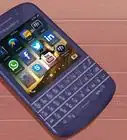
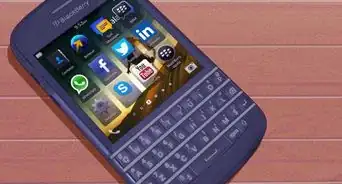
Connecting your Blackberry to your computer allows you to upgrade your software and transfer music, pictures, and other files between the devices. Fortunately, the process is very simple. Start with Step 1 to connect your Blackberry to your PC.
Steps
-
1Turn on both devices. To begin, you’ll need to turn on both your Blackberry and your computer.
-
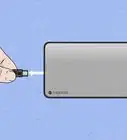
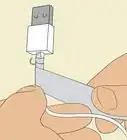
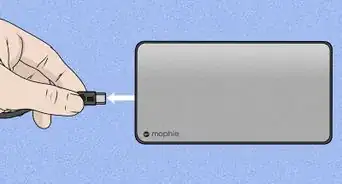
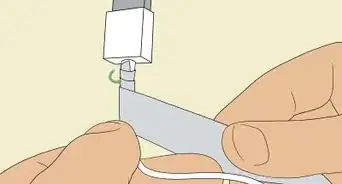
2Connect the devices with your USB cable. Plug the smaller side of your Blackberry USB cable into the small USB port on the side of the Blackberry itself. Then plug the other side of the cable into the 2.0 USB port of your PC.
- Note that older computers do not usually have 2.0 USB ports. Your computer will notify you if this is the case.
Advertisement -
3Wait for the device to install automatically. When you connect your Blackberry, it will automatically install itself on your computer. Wait for this process to finish.
-
4Look for a pop-up notification. When your Blackberry is installed on your computer, a small pop-up notification will appear on the side of your task bar. You are now ready to go!Advertisement


Things You’ll Need
- Blackberry phone
- PC
- Blackberry USB cable



About This Article
Advertisement