X
wikiHow is a “wiki,” similar to Wikipedia, which means that many of our articles are co-written by multiple authors. To create this article, volunteer authors worked to edit and improve it over time.
This article has been viewed 5,509 times.
Learn more...
When you’re collaborating on a Google Doc, it can sometimes be helpful to leave notes for the other people, or even have full conversations about potential issues, without actually changing the document itself. This wikiHow will teach you how to comment on a Google Doc.
Steps
-
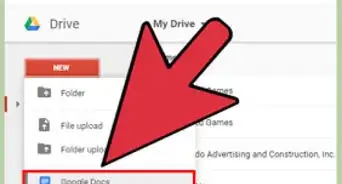
1Log into Google Drive. To comment, you need to open a Google Document, so you have to log in at http://drive.google.com.
-
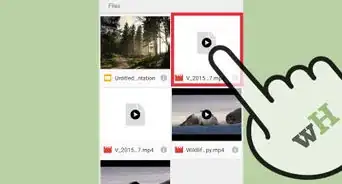
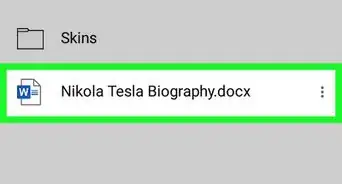
2Open the Google Document. After you log in, you can search for the document using the search box. You can double click on the right document or you can open any Google Doc directly from your Drive list.Advertisement
-
3Find where you want to comment. Highlight the text in the document that you want to refer to in your comment. Comments are connected to specific pieces of text.
-
4
-
5Enter the comment. This might be your opinion, view, or suggestions.
-
6Assign the comment if desired. You can designate and tag a recipient for your suggestion. Search by their name or email address, by preceding it with a plus (+) sign.
- You can assign the note to multiple users as well, by separating the email addresses with a comma (,).
- You can send notifications via email; you have to set the "Assign to" checkbox as checked. This will notify to users added in your comment.
- When you submit the comment, it will show "Assigned to" status at bottom of the comment box.
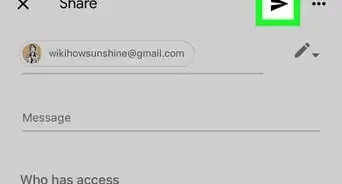
- An email will be sent to the assigned user which shows who has commented and what the comment says. They can open the document directly to see the details.
-
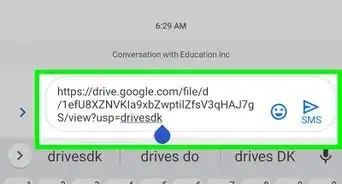
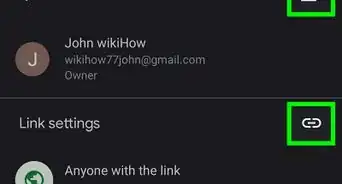
7Refine and respond to further comments as needed. You can edit, delete and send the link of comments to any person who has access to view or edit the document. Use comments as you collaborate and perfect your Doc!Advertisement




About This Article
Advertisement