X
wikiHow is a “wiki,” similar to Wikipedia, which means that many of our articles are co-written by multiple authors. To create this article, volunteer authors worked to edit and improve it over time.
Learn more...
If you commonly search eBay, you often create records of what you've recently viewed right in the app. However, if you want to clear this data, eBay doesn't make it all that easy to find the process. But with these details below, you can learn this process quickly and get your viewed items cleared away and leave no trace of your history behind for others to discover.
Steps
-
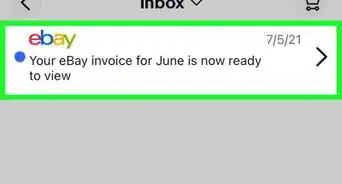
1Open the eBay app on your device - and login if you haven't done so already. The eBay app says "ebay" in rainbow color with a white background.
-
2Tap the "My eBay" tab at the bottom of the screen. This should be between the "Home" and "Search" tabs
-
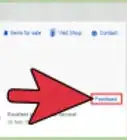
3Tap the "Recently Viewed" listing. Recently Viewed is at the bottom of the list - just below "Help."
-
4Tap the Edit button. The Edit button can be found just below the shopping cart icon on the right hand side of the screen.
-
5Tap the Select All button. The Select All button will be just above your first Recently Viewed item. If you only have one or two, you may be able to tap each item individually, but if you want to delete everything there, clear it out in one swoop quickly. At least one item must be checked for the next step to work.
-
6Tap "Delete". Delete is just to the right of the "Select All" button and will list in parenthesis how many listings will be cleared when pressed.