X
wikiHow is a “wiki,” similar to Wikipedia, which means that many of our articles are co-written by multiple authors. To create this article, volunteer authors worked to edit and improve it over time.
The wikiHow Tech Team also followed the article's instructions and verified that they work.
This article has been viewed 16,903 times.
Learn more...
Steps
-
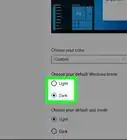
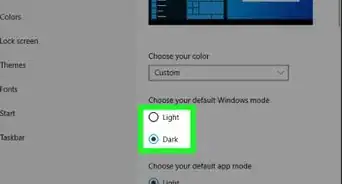
1Open the Personalization settings. Right-click an empty spot on the desktop. and select Personalize.
-
2Select Themes from the sidebar.Advertisement
-
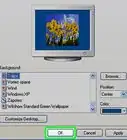
3Select a theme. Click or tap a theme under "Apply a theme".
-
4Follow the link to download more themes from the Windows Store. Select the "Get more themes in the Store" link right under the "Apply a theme" header.Advertisement


Things You'll Need
- Device running Windows 10 (activated)
-Step-17.webp)


References
About This Article
Advertisement