X
wikiHow is a “wiki,” similar to Wikipedia, which means that many of our articles are co-written by multiple authors. To create this article, volunteer authors worked to edit and improve it over time.
This article has been viewed 52,438 times.
Learn more...
You've made your best TikTok yet, but you forgot to put something in the caption! Unfortunately, there's no way to go back and edit your captions, but this is another method you can use to edit your TikTok video after it's been uploaded.
Steps
-
1Open TikTok. This app has a music note on a black background.
-
2Click on your profile icon. This icon is in the bottom right corner and has the "Me" label underneath it.
-
3Find the video to repost. To open it, tap the video to make it larger.
-
4Save the video. Tap the triple dots, then choose the "Save video" button. This will save it to your camera roll.
-
5Delete the video. Tap the triple dots, then choose the "Delete" button. Then confirm the deletion of the video.
-
6Go back to the home page. Tap the left arrow in the corner to move back a page.
-
7Tap the "+". This will open the TikTok recording interface.
-
8Tap on "Upload". This will allow you to upload the video.
-
9Tap on the video you just saved. You will be taken to a crop and rotate screen, then an edit screen. Simply tap on Next to skip these screens.
-
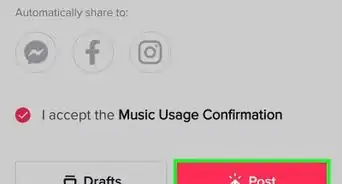
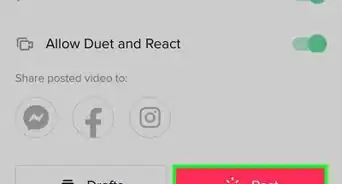
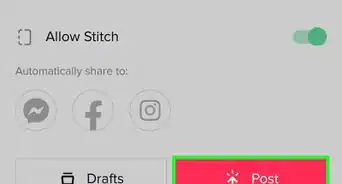
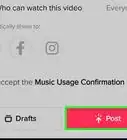
10Add a new caption and tap Post. This will upload the video with the new caption.