X
wikiHow is a “wiki,” similar to Wikipedia, which means that many of our articles are co-written by multiple authors. To create this article, volunteer authors worked to edit and improve it over time.
This article has been viewed 48,721 times.
Learn more...
All of the avatars on PSN are limited. You either have to buy them or download them. But there is a workaround! Start with step one to get your own pictures as your PS4 profile picture.
Steps
-
1Make a Facebook account.
-
2Upload your picture onto your Facebook account.
-
3On your PS4, go to settings, and select PSN.
-
4Select "Link with Other Services."
-
5Select Facebook
-
6Log in and confirm.
-
7Turn off your PS4.
-
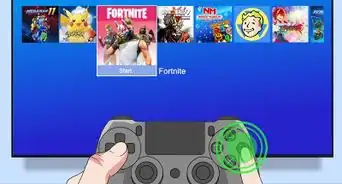
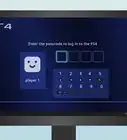
8Turn it back on and on your user screen your name will have your Facebook picture on top.


Community Q&A
-
QuestionDoes this affect my account in any way?
 Community AnswerNo, this doesn't affect your account. It just shows what other people see, so choose carefully!